Steam Frame installation

The Quest version might just work. Would it be possible to make the APK available for download?

I tried the Pico Neo 3 APK on my Steam Frame with Lepton and Lepton 14, but it did not even start.

My goal is to use VR Sketch to visualize Rhino geometries in VR. It looks like exactly what I need.

I doubt the quest apk works on the steam frame, but if you want to give it a try, all our apks are available at https://vrsketch.eu/download/.

We will attempt a steam frame port when we can obtain one, which will likely be after the official release.

Thanks! I tried baroquesoftware_vrsketch_v27.2.0.apk, and indeed it did not work, neither with Lepton nor with Lepton 14.

Awesome!

If you are talking of the official Steam Frame release, that has already happened. I received mine from Komodo, the official Steam distributor for Hong Kong, in September. They just announced that a new batch will go on sale tomorrow. (no waiting list system here, first come, first served)

Ah, we’ll look into that. I thought they were busy until 2027 with deliveries of what was ordered during the initial three-days lottery.

There is a lot of demand. Apparently, some people are waitlisted for the Frame into 2028. The way it is sold in HK (and JP, KR, TW) is a bit stressful. I accepted it as the first Steam Frame game one has to play. And unlike most games I touch, here I was lucky enough to win. Although that also means being a beta tester. There were and are quite a number of bugs, and one of my controllers has a bad contact with one of its buttons.

Anyhow, I learned that the Quest 3 APKs depend on Meta specific APIs. There is a tool to convert these. It’s called overport. I ran your APK through it, but unfortunately it still doesn’t work. Also, I guess, it it was that easy, the Pico APK should’ve done the trick.

I’ve looked at https://partner.steamgames.com/doc/steamhardware/steamframe/engines/unity and it’s no surprise that neither APK work: neither is targeting the recent OpenXR backend. They rely instead on the older Oculus- or Pico-specific backend, respectively. But it seems that it shouldn’t be much more difficult than building an OpenXR-based version of the APK. We didn’t do that so far for Quest or Pico headsets because there were some minor headset-specific features that didn’t quite work out of the box with OpenXR a few years ago, but that’s unlikely to be relevant here and now. If you are interested, we could try building an OpenXR version according to the Steam Frame specs and you could try it out. If it turns out to work, we could make it available semi-officially.

overport somehow is able to patch some Quest 3 APKs to work with OpenXR. But it didn’t work for VR Sketch, at least not with the options I selected. (and there are not many options anyhow)

The Frame itself uses the Lepton translation layer to run Android APKs.

Certainly, I’m happy to test this!

And I found that there is a bit of documentation in the official Lepton repo:

Compatibility tool

Here is a first attempt at making an OpenXR port APK of VR Sketch. It seems to work on my Quest (but the official version supports more Quest-specific features, and it is a bit incomplete, e.g. the official version puts colors on various controller buttons in some situations). Can you try it out on Steam Frame?

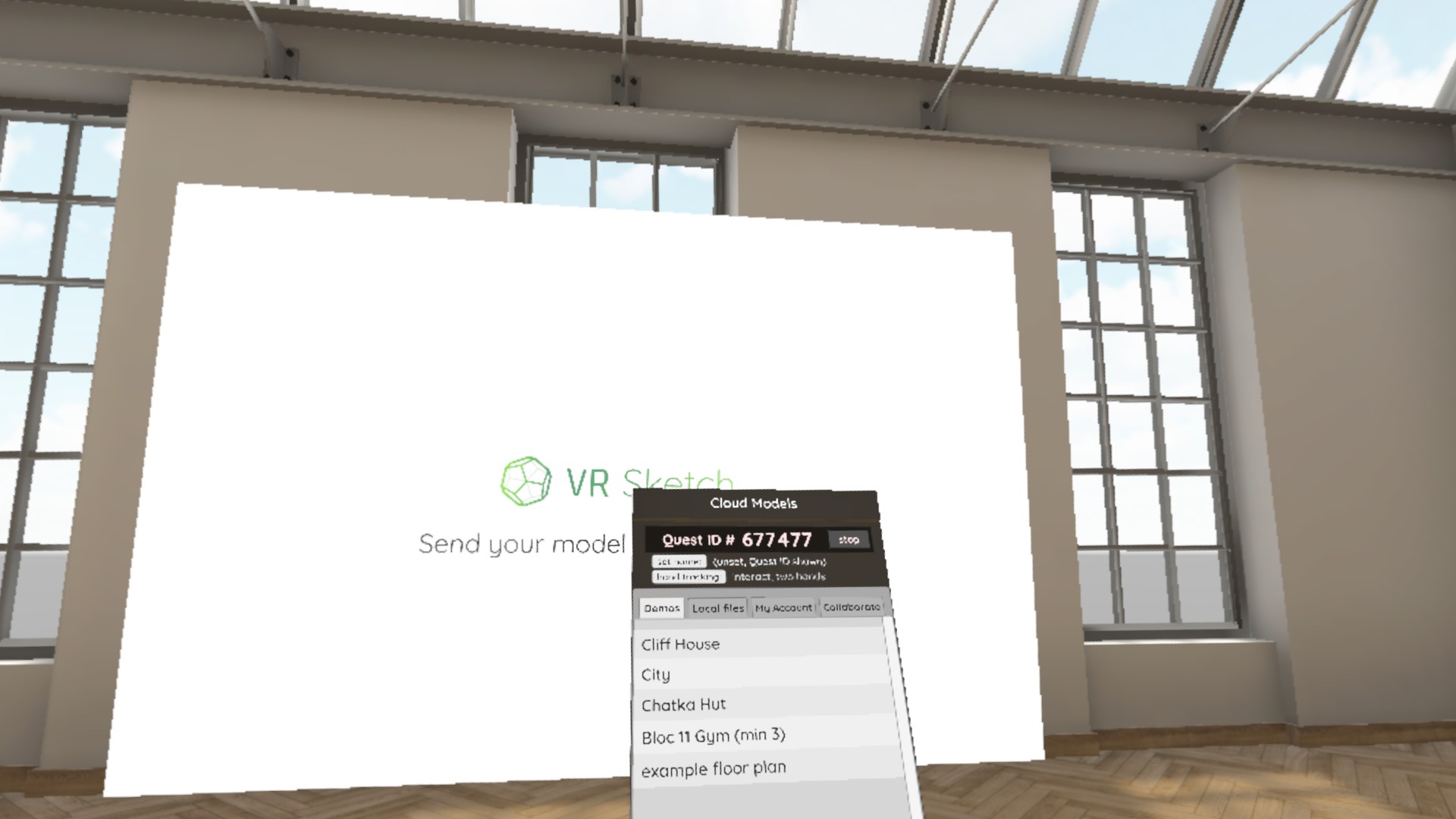
Thank you, it loads, and it looks so sweet:

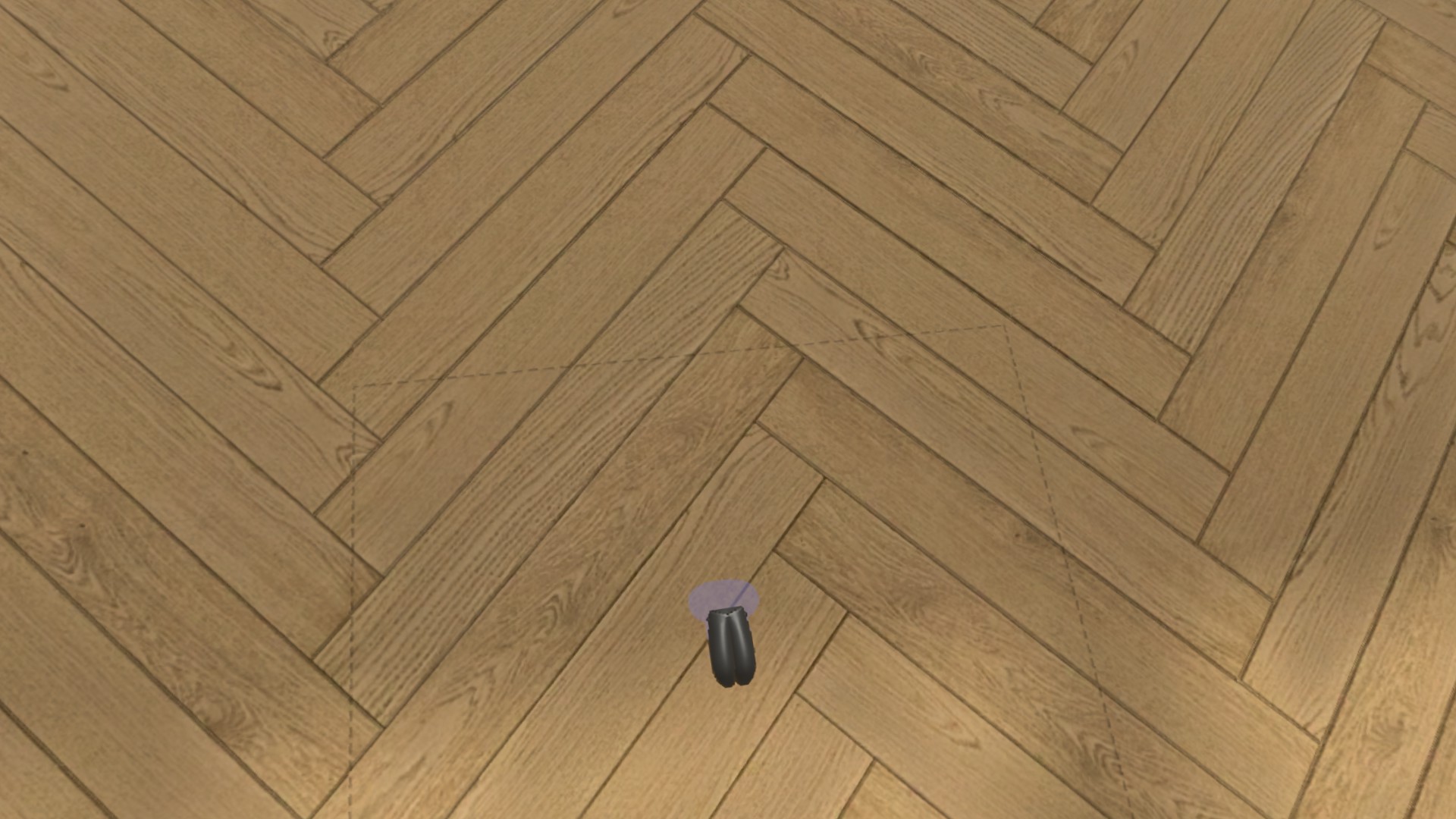
Unfortunately, the controllers don’t work. They are stuck in the ground:

If there is anything I can do from here, let me know! I should be able to figure out how to start it from the command line with Lepton, and then there is plenty of debug output.

And, by the way, as of this writing, the Frame is still in stock at Komodo Station in Hong Kong.

OK, I have no idea because it works on the Quest. Maybe try that version? I tried tweaking some related setting, but I admit it’s a bit random.

Just to be clear, that’s typical of the VR developer experience: even if I had an actual Steam Frame, I would still have no idea what is going on, and I would have to try out many random things until one happens to fix the problem. I very much doubt that the log files produce some convenient message explaining why it doesn’t work.

Re Komodo Station: thanks, but we can’t order from outside Asia on that page (“Not available in your country”).

OK, found out that (likely) I need to add the Steam Frame controllers to the list of supported controllers. The documentation for this list says explicitly that if some type of controllers are not added to that list, then the system should automatically pick a supported alternative. However, if I put the Steam Frame controllers and remove the Meta controllers from that list, then for me on Quest the controllers are stuck in the ground just like you describe. That means that documentation is explicitly wrong. For now, here’s a version for you to try with only the Steam Frame controllers in that list.

Awesome, thank you so much! I gave it a quick try and it works. Only I didn’t manage to teleport. But maybe that’s related to me only using the left controller, because: My right controller is broken. I hope to get a replacement soon. Next I want to try connecting to Rhino.

Yes, they only ship in HK, KR, TW, and JP. You would need a local contact to send it to you. I might be able to help, but I’m not sure if that makes sense. I am also not sure if warranty would be covered outside HK. And warranty is a thing, see above.

Can you interact with the dialog box that is shown at the start, before any model are sent?

Yes! I could interact with that and with the menu, also rotate and move the model.

OK, strange. The two controllers are completely equivalent, and I’m generally using only one of them myself. If the rest of the interactions are working, I’m a bit at a loss as to why only teleporting doesn’t work. It could be because of an unexpected interaction with the Rhino plugin, which wasn’t tested or updated since it was initially made long ago. Or do you have the same problem with the demo models? Can you try to completely close and reopen the VR Sketch app, and then pick a demo model from that initial dialog box, and see if you can then teleport through that model? (You need to aim the first teleport beam into the model in order to jump at that location.)

My mistake! I didn’t know that you have to teleport into the model. Which makes sense. I tried to teleport around in the room at the start, and that doesn’t work. In fact, I was a bit disappointed that all models show up as, well, models. Kind of embarrassing. I should read the documentation.

Anyhow, teleporting into the model works, also moving inside. This is exactly the experience I was after!

The next step is to try it with the Rhino plugin.

I just checked, and it works with Rhino too. (VRSketchStandalone)

Cool! For now, for other people that chance upon this topic, here is a copy of the link posted earlier containing a roughly-working Steam Frame standalone version: https://vrsketch.eu/download/baroquesoftware_vrsketch_v28.0.0_openxr_3.apk

As far as I can tell, the controller model is wrong and is missing animations and colors. Also, the mapping from the Frame’s buttons to the one expected by VR Sketch is provided by Steam: according to their documentation, the left controller’s D-pad should remap to the Oculus Touch’s X and Y buttons (with the D-pad’s left, up and right directions all remapping to Y). I’m not sure which of the four buttons on the right controller map to which of the Oculus Touch’s A and B buttons. The two controllers were symmetrical in all previous controller models supported by VR Sketch. They work symmetrically—you can use VR Sketch fine with just one controller.